How to Create a Product Requirement Document
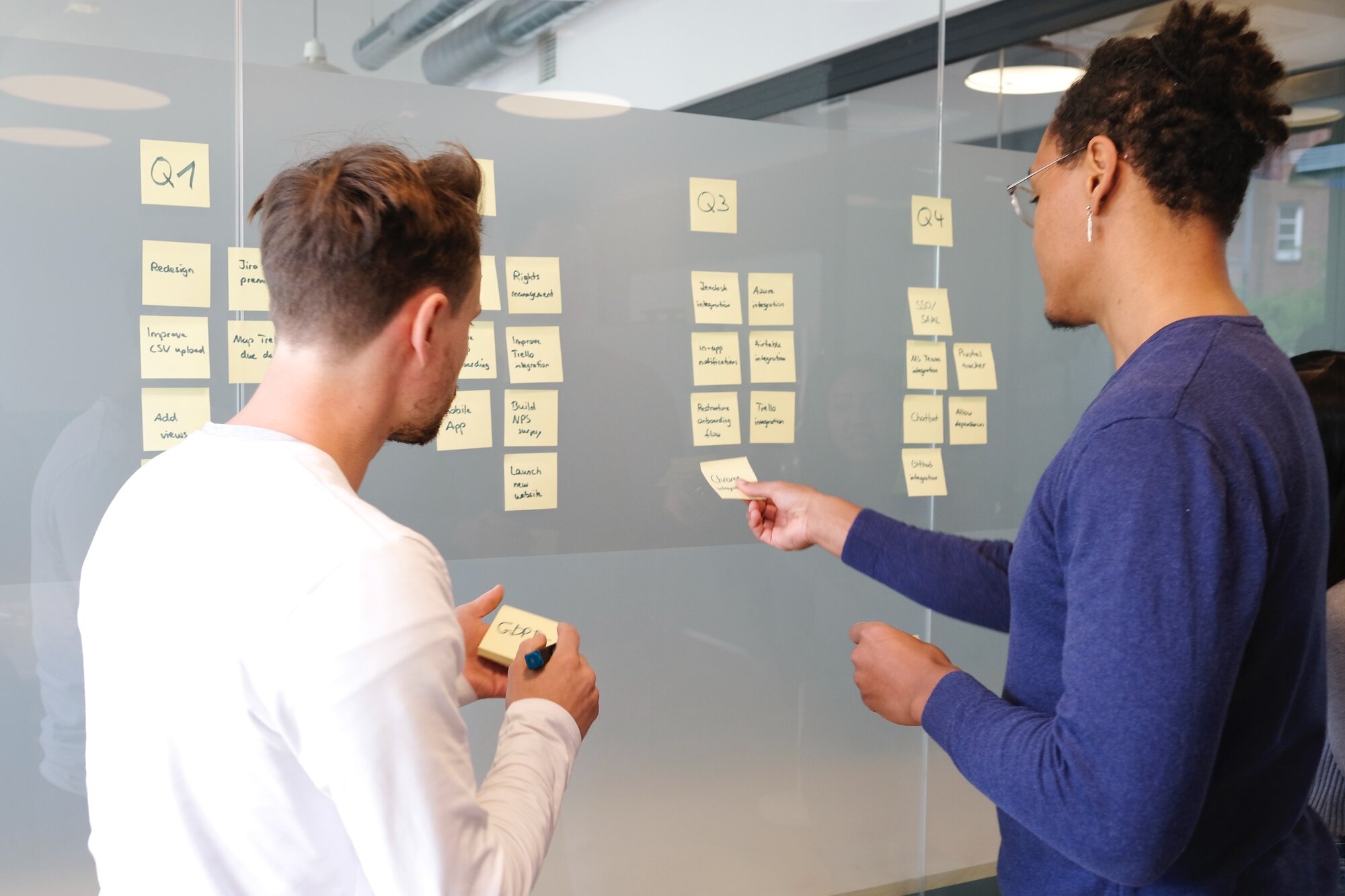
Product creation can be a very involved and complex process. There are many factors that need to be considered, and many steps that need to be taken, to produce a successful product. One of the most important steps in this process is creating a product requirement document (PRD). In this article, we will discuss what a PRD is and how to create one.
What is a Product Requirement Document (PRD)?
Product Requirement Document (PRD) is a document that lists all the features and functions of a product. It is also known as a Product Specification Document (PSD).
Who writes the Product Requirements Document?
Usually, the Product Manager is responsible for the entire product, so it makes sense that he or she would write the PRD. However, because of time pressure, many companies let other stakeholders also help write the document. But all major decisions should be made by the Product Manager.
Who are you creating the product for?
Before you start creating the PRD, you need to know your target audience. You need to determine their age, education level, technical knowledge, interests, and more.
How to Create a Product Requirement Document
Creating a product requirement document (PRD) is an essential process of the requirements management methodology.
PRDs are used to describe what will make up your product, how it will work, and what it needs to do. Which is why it's important you approach creating a PRD with an organized plan.
1. Define the product scope
The first step is to define the product scope, and it should be clear and concise that states what the product is and what it does.
However, to come up with a scope that meets your business objectives, you need to ask yourself what your business goals are. And, answer questions like:
- What is the primary reason for creating this product?
- What needs does the product address?
- Who is the target customer?
- What are the unique selling points of the product?
- What are the competitive advantages of the product?
2. Develop a product vision statement
To create your Product Requirement Document, you also need to develop a product vision statement. This should be one or two sentences that capture the purpose of the document in one line.
A sample product vision statement could be "This document describes the features and functionality of a product that will help mothers of newborns breastfeed their babies easily, anywhere, any time."
Another product vision statement for a software company can be like "The product will allow users to easily create and manage their own online store."
3. List the features and functions
The next step is to list down all the features and functions of the product. Include every detail about each feature and function, even those that are not visible to customers.
For example, you can add the details about the security of the application, authentication method, and encryption algorithm.
If the features are from a third party, be sure to list them down as well.
While writing down the features and functions clearly, you need to keep the following in mind:
- You should not introduce items that are listed as 'to be determined (TBD) or 'to be discussed.' Instead, write stuff that you’re certain about.
- Just go into enough detail about the features so you can communicate your ideas clearly to other people.
- Be consistent with your approach. Choose a naming convention and stick to it throughout the document for clarity's sake.
4. Write use cases for major scenarios
After you have listed down all the features and functions of your product, write use cases for major scenarios like registration, login, adding a post, etc. Use cases are best used to describe how the product fits into its environment and what business problems it solves. It also helps to see how users use the product.
You can also describe error conditions. For example, what happens if a user forgets his or her password? What are the consequences of clicking on an outdated link?
This step gives you an opportunity to think of things that can go wrong and how you can prevent them.
5. Deliverables
PRD is a very important document, so it should be clear, accurate, concise, and organized. It should not contain any ambiguous or subjective words like "better" or "more". It should clearly mention the deliverables, which are the specific items that need to be delivered as part of the product.
For instance, a deliverable for a software product might be a working prototype, whereas for a physical product it might be the final product itself.
Here's how you can finalize the deliverables per product:
For a software product, you can:
- Create a list of major milestones.
- Build an acceptance test for each deliverable. This should include any defects, design changes, and extra features that need to be fixed before delivery and review their priority and urgency.
For a physical product, you can write down the:
- components of the product (major or minor).
- steps needed to create the components (for example, raw material acquisition, disassembly, assembly, finishing).
- Determine if all of the components are readily available as purchased items (BOM). If not, list down those which will require further work such as cutting steel or injection molding.
6. Approval
The final step is to get the approval of all stakeholders, including the customer. The document should be updated as the product evolves. To get the approval, you need to follow a simple process:
- Submit the document to all stakeholders for their review.
- Make the necessary changes based on the feedback and get their approval.
- Update the document and send it back to them for another round of review.
- Repeat this process until everyone is satisfied with the document.
To conclude, creating a PRD can be a challenge, but it is crucial that you get it right. It also needs to be updated as the product evolves and changes over time.
Keep in mind that while PRD serves as a reference for everyone involved in designing and developing the product, you should also be flexible and open to changes. The document should not be treated as gospel. It is a living, breathing document that will help you create the best product possible.
